
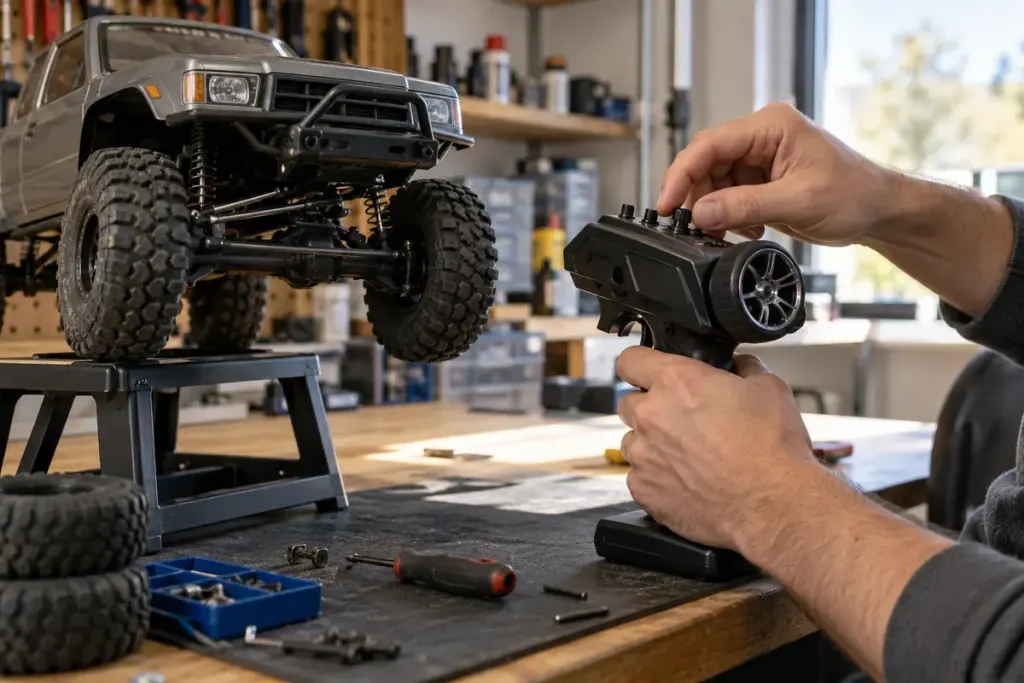
More steering travel on a transmitter does not always produce a tighter useful turn. Once the linkage reaches its mechanical limit, an additional command can ask the servo to push against something that cannot move farther.
Before changing settings, inspect the model with power disconnected according to its manual. Look for damaged parts, rubbing tyres or a linkage that is already restricted. An endpoint adjustment is not a repair for a bent component.
Use the instructions for your radio and model
Steering trim, subtrim, steering rate and endpoint controls can affect different aspects of the setup. Do not treat them as interchangeable. The Spektrum DX6C manual, for example, describes its steering travel controls; another transmitter may use a different procedure.
Follow the model’s safe setup method so it cannot unexpectedly drive away while electronics are powered. Keep hands, loose clothing and tools away from moving parts. If you are unsure how to disable propulsion while checking steering, obtain help rather than improvising.
Check each direction separately
Observe the steering as it approaches each limit, following the manufacturer’s procedure. Stop if parts bind or the servo continues straining against a stop. The left and right limits may require different adjustments; a percentage copied from another model says little about your linkage.
After any change, confirm that steering returns correctly and that the required calibration or rebinding steps have been completed. Some systems have additional requirements when travel settings change, so keep the manual nearby.
Perform the initial driving check slowly in a clear, permitted area. Record the previous and new settings so you can understand what changed. A sensible endpoint gives the mechanism the travel it can use without demanding movement beyond its limits; it is not a competition to select the largest number on the screen.