
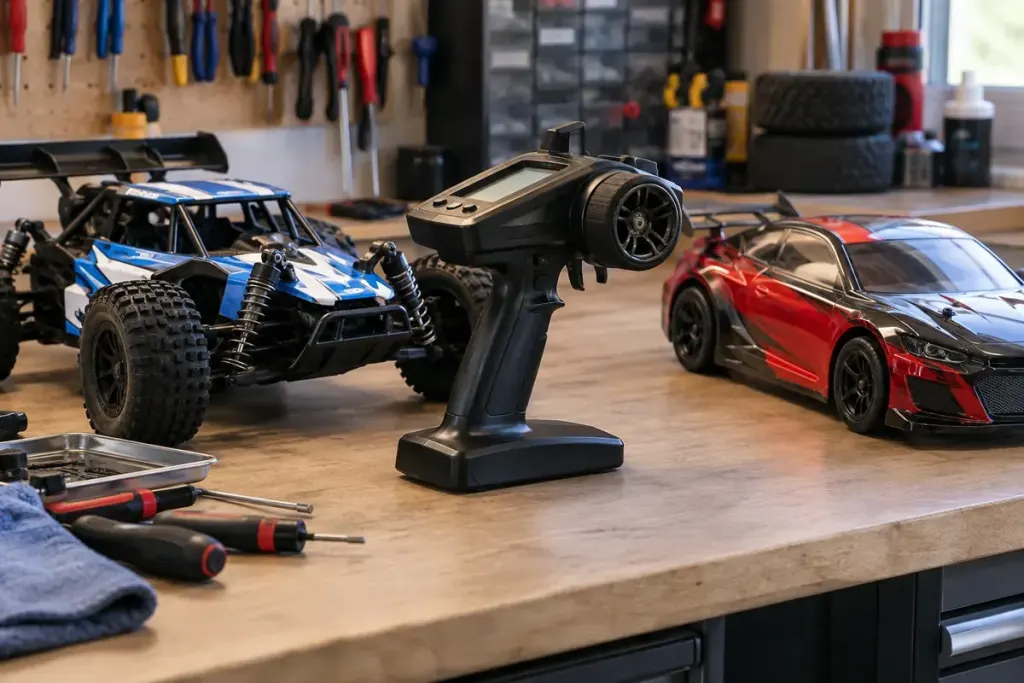
One transmitter can store settings for several RC vehicles. That convenience creates a small but important pre-run question: which model memory is active right now?
A saved profile can contain settings such as steering direction, travel and other model-specific adjustments. The exact contents and safeguards depend on the radio system. Do not assume that a profile name alone guarantees compatibility with the vehicle in front of you.
Select while the vehicle is safely off
Follow the transmitter and vehicle instructions for the correct power-up sequence. Check the selected memory before enabling the vehicle. The Spektrum DX5C manual specifically warns against changing model memory while operating a model because it interrupts the transmitter signal.
Name profiles clearly enough to distinguish similar cars. “Buggy” may be ambiguous if you own two. A model identifier and a short setup note can help without turning the screen into a list of cryptic abbreviations.
Verify rather than trusting the label
Use the manufacturer’s safe control-check procedure, with the vehicle secured as instructed and people clear of moving parts. Confirm steering direction and the intended neutral behaviour before driving. Do not use a full-throttle test on an improvised stand.
If a profile was copied from another vehicle, review every relevant setting. Copying saves typing; it does not prove that endpoints, reversing or auxiliary functions suit the new model.
Keep a record before changing settings, and check what a reset or copy operation overwrites. Some systems require rebinding or other setup after particular changes. Read the instructions for your exact equipment rather than borrowing a sequence from a different radio.
At the end of the session, return the transmitter and vehicle to their safe storage state. On the next outing, make the active-memory check part of the routine even if you believe you used the same car last time. It is a quick confirmation of a setting that can otherwise stay hidden.